
If you want to use and access chat history in CS2, start by separating live match chat from post-match data and third-party profile records. CS2 can show recent chat during a match, but don’t count on a permanent official archive.
What CS2 chat history means
CS2 chat history can mean live match chat, recent in-game scrollback, or outside records tied to Steam data. Each source shows different information and comes with its own limits.
Live match chat includes messages from teammates, opponents, and the server while the match is active. Recent in-game visibility lets you review earlier lines from the same match if the interface still has them on screen.
External history may come from Steam profiles, match data, demos, or tracker sites. These tools rely on captured data, indexing, and display permissions, so they are not official in-game transcripts.
How do you see CS2 chat logs now?
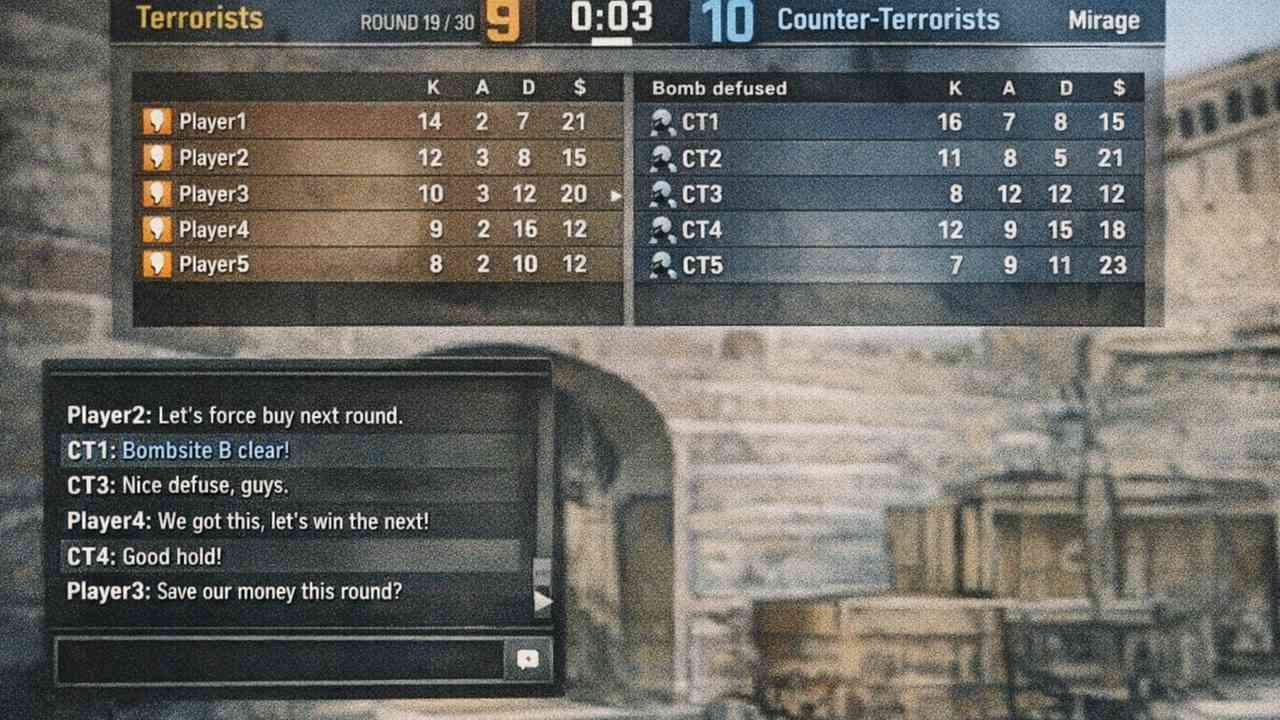
The safest way to see CS2 chat logs is to check during the match. The live chat area shows recent messages before new rounds, UI changes, or fresh chat push older lines out of view.
After the match, access gets less reliable. Players may check demos, match pages, or third-party tracking tools, but CS2 updates, demo handling, Steam privacy settings, and site support can change what appears.
A missing log does not prove no one typed anything. The data may not have been stored, made public, indexed, or kept available through that method.
How to view CS2 chat history for a Steam profile
-
To view profile-linked CS2 chat history, start with the player’s public Steam profile and confirm the account. Similar names, avatars, and custom URLs can fool you.
-
Choose a reputable CS2 tracking or profile tool that uses public match or player data. Do not enter Steam credentials on an unfamiliar site.
-
Use the supported lookup method, such as a public profile URL, SteamID, or search field. Treat the result as third-party data, not a Valve transcript.
-
Review what the page shows: chat snippets, match links, timestamps, or only general profile data. Some profiles return incomplete or empty results.
-
Before sharing a result, compare the profile, match, and surrounding context. A short chat line can mislead without the conversation around it.
What is cstracker.gg?
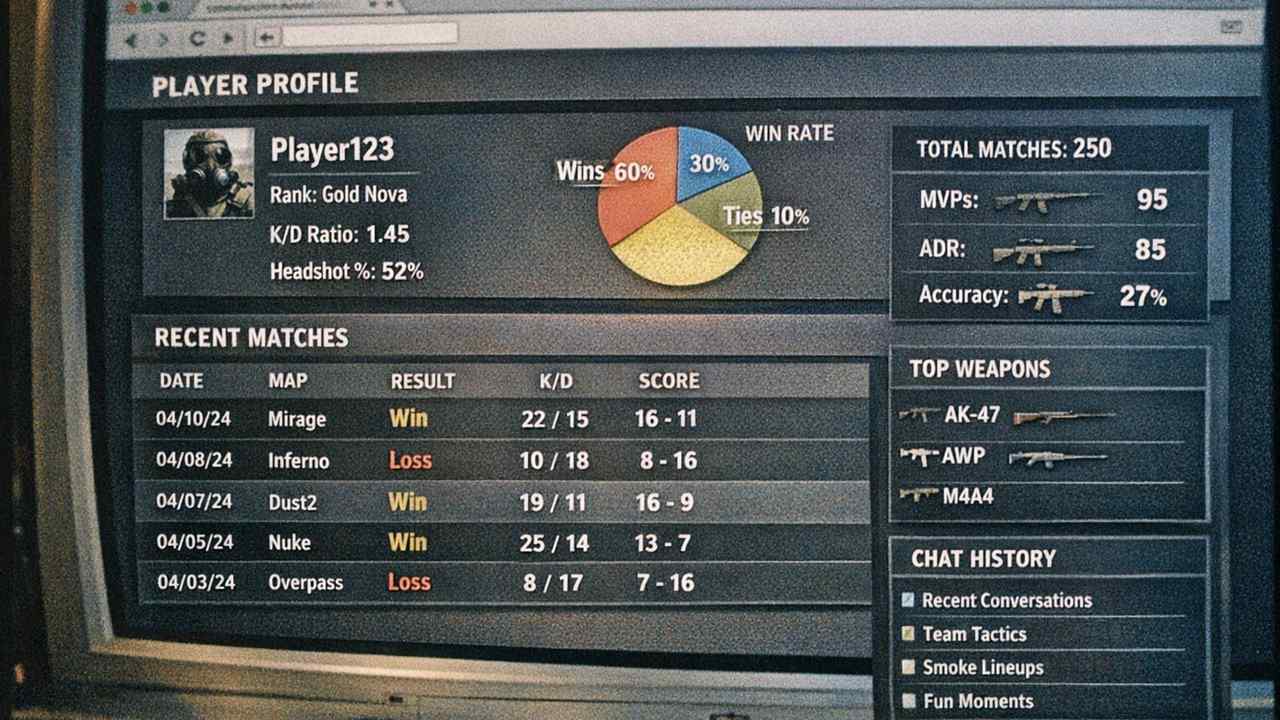
cstracker.gg is a third-party CS2 tracking resource connected to player profiles and match data. For chat history searches, tools like this may surface information linked to public profiles or recorded matches when the data exists.
cstracker.gg is not an official CS2 chat archive. Like other community trackers, it depends on accessible data sources, indexing, and current platform rules.
Access can change fast. If Valve changes demo behavior, match data exposure, or privacy handling, a tracker may show less information, hide details, or return no results. Use cstracker.gg and similar tools as reference points, not guaranteed records of every message in a match.
Can you access your own CS2 chat history?
You can review your own CS2 chat most reliably while the match is still active. The in-game chat area may show recent messages you sent or received.
Once the match ends, that direct path usually disappears. CS2 does not provide a dependable built-in archive of all matchmaking messages you typed or received.
If your messages appear later through a tracker, demo tool, or profile viewer, that source has limits. For reports or important context, capture evidence during the match when possible. Screenshots and official reporting tools beat hoping a third-party page keeps a complete transcript.
Limits, privacy, and safety concerns
-
CS2 chat may not appear because match data was never captured, is not public, or no longer works in a tool.
-
Steam privacy settings, profile changes, hidden data, and platform restrictions affect what third-party viewers display.
-
Third-party pages may show only some matches, players, or fragments of a conversation.
-
Chat snippets can lose tone, round context, and prior messages, so avoid treating them as the whole story.
-
Some players object to profile-based lookup because old matchmaking comments can feel more public than expected.
-
Avoid logging into unknown sites with Steam credentials or sharing sensitive account details.
-
Treat sites promising full private archives, hidden chat, or unusual account access as unsafe.
-
For harassment or abuse reports, use Steam or CS2 reporting options instead of relying only on outside pages.
Quick checklist before you trust a CS2 chat history result
-
Confirm the Steam profile identifies the right player, not a lookalike with a similar name or avatar.
-
Check whether the site is known in the CS2 community and explains where its data comes from.
-
Assume third-party data may be partial, delayed, removed, or unavailable for some matches.
-
Do not enter your Steam password just to view chat history.
-
Be wary of claims about private messages, hidden chat, or complete archives without a clear source.
-
Compare any snippet with match context before treating the snippet as evidence.
-
Remember that learning how to use and access chat history in CS2 means understanding both lookup options and limits.
FAQ
Use CS2 chat history answers as guidance, not proof that every message still exists.
Can I see CS2 chat messages after I leave a match?
Sometimes, but CS2 does not offer a simple permanent post-match chat archive. Access usually depends on demos, external tools, or saved evidence.
Is there a built-in CS2 chat log viewer?
No dependable built-in viewer works like a full searchable archive for past matchmaking chat. In-match scrollback and third-party records are different sources.
Can other players read my old CS2 matchmaking messages?
Possibly, if a public profile or tracking tool captured and displayed those messages. Availability varies by match, profile, and tool.
Why do some CS2 chat history pages show no results?
The profile may be private, the match may not be indexed, or the site may no longer support that data. The chat also may never have been available.
Is it safe to use third-party CS2 chat history sites?
Viewing public pages from reputable tools can be reasonable. Avoid entering Steam credentials on unknown sites, and treat results as incomplete third-party records.